
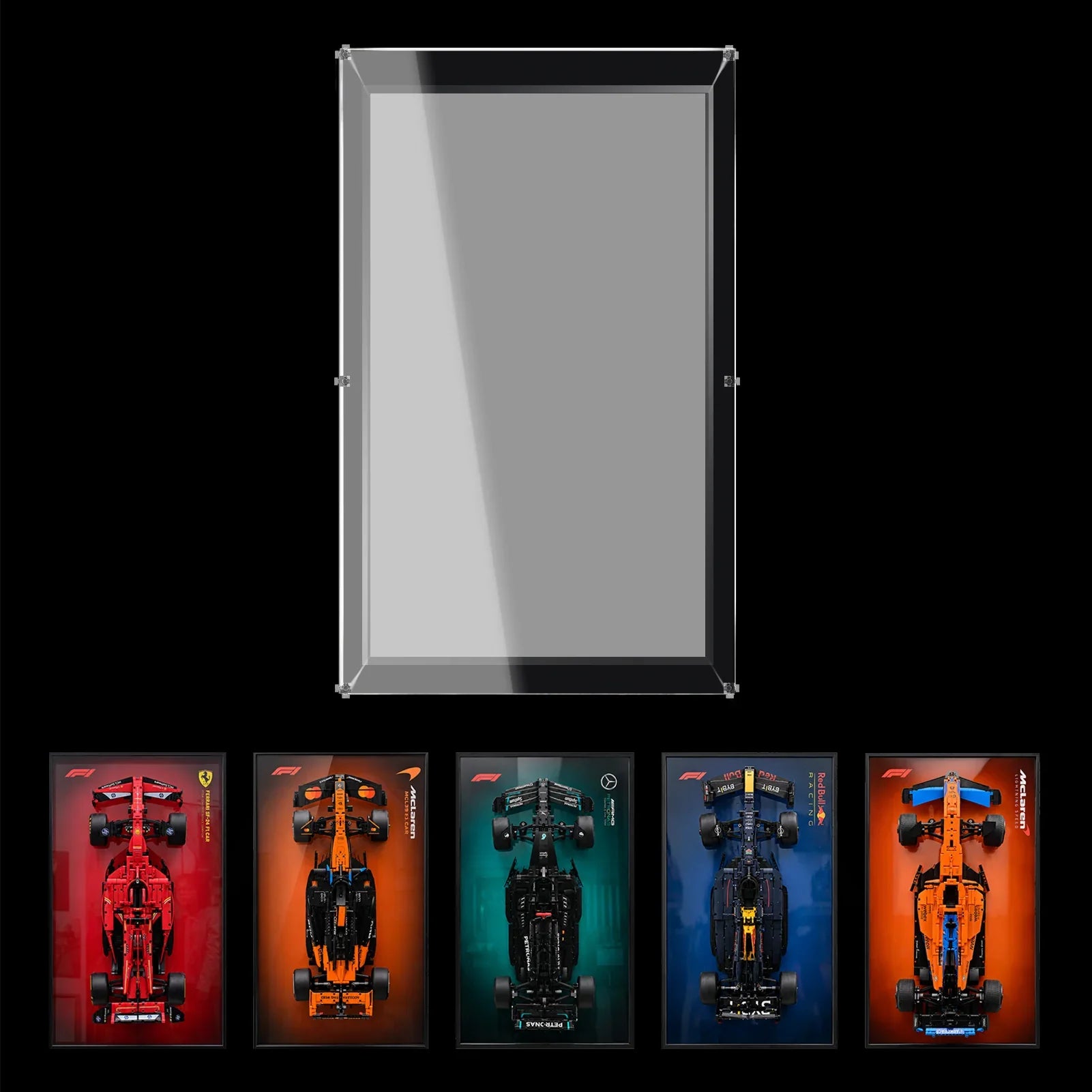

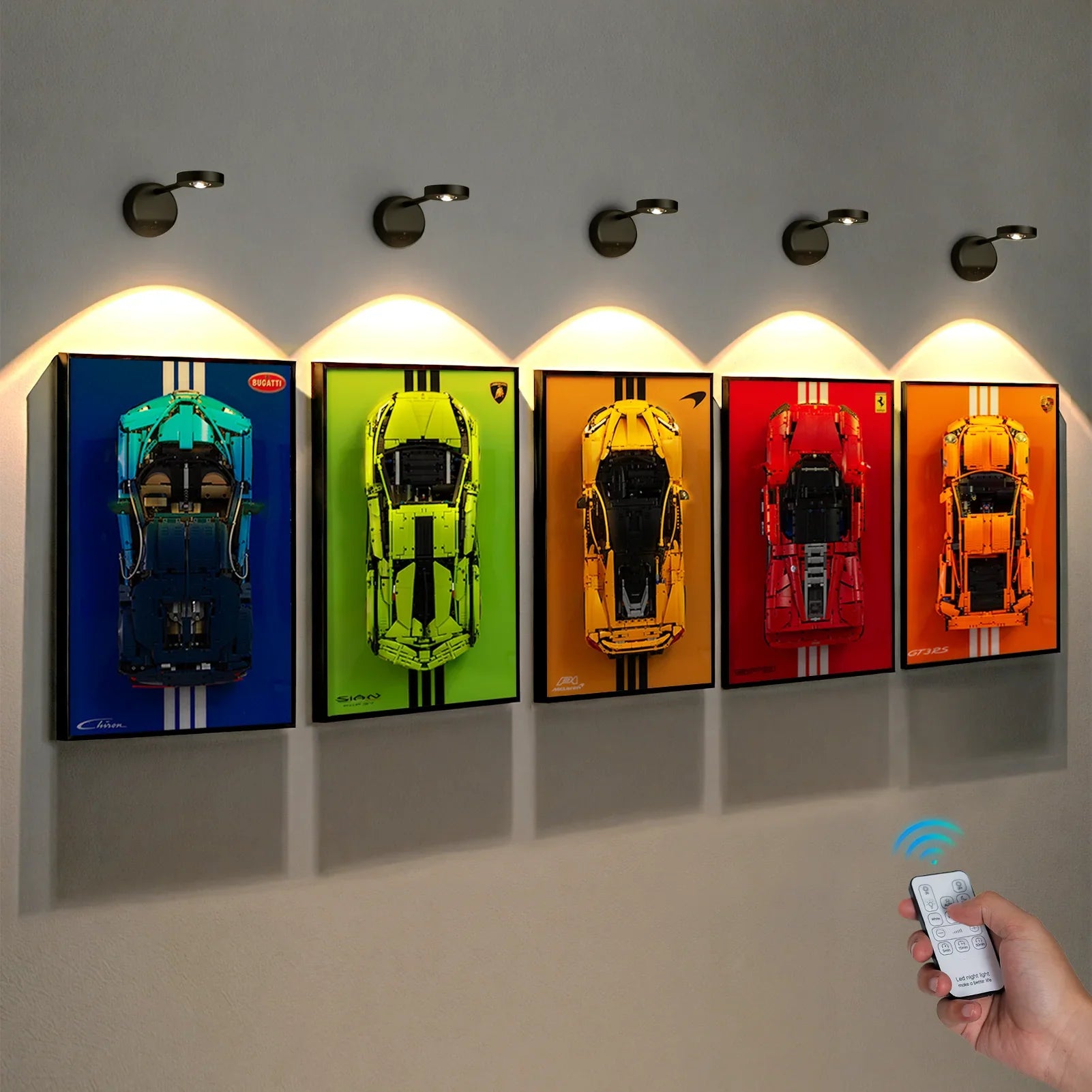


A tall or wide Pokémon build needs more than a case that looks large enough in a product photo. Many collectors learn this the hard way: a photo can trick you into thinking there’s plenty of room. Start with the model’s silhouette, measure the displayed pose, and then check the case footprint, usable clearance and access path as separate decisions. This practical guide explains how to plan a LEGO® Pokémon™ display case with WETCEAOM products while keeping the model easy to see and maintain.
Start with the Pokémon model, not the case
Put the completed model on a temporary surface and view it from the position you use most often. Record three measurements: the widest point, the highest point and the deepest projection. Don’t forget wings, tails, ears, small accessories and support pieces that stick out past the main body.
These are your model measurements, and they don’t automatically match the usable space inside a display case. Keep notes for the model, its base, and the case separately until you cross-reference the exact set number on our product listing.
Choose the viewing direction for a tall or wide build
A tall LEGO Pokémon model usually benefits from a clear vertical sightline. A wide or long serpentine build, like Rayquaza, needs extra side-to-side breathing room so its outline doesn’t feel cramped against the edges of the enclosure. Decide which feature you want to highlight before picking a background or final spot.
- For a tall character: check the highest point, the top of the base and the clearance above the head or ears.
- For a wide character: check the full span of wings, arms, tails or accessories.
- For a long character: check the front-to-back projection as well as the width.
- For a multi-model display: measure the whole grouped arrangement, including gaps between figures.
Match the display case to the exact LEGO set
WETCEAOM’s current LEGO® Pokémon™ Display Cases collection offers custom enclosures built for specific releases, including Munchlax 72150, Rayquaza 72168, Arcanine 72160, and the Kanto starter trio set 72153.
Knowing only the Pokémon name isn’t enough to confirm a fit. Always match the full LEGO set number against the live WETCEAOM product page, especially if you’ve modified the build or added a custom base.
 Separate the case footprint from usable clearance
The outside footprint tells you how much room the case will occupy on your shelf or wall. Usable clearance is the open space inside the enclosure for your model. These two numbers often differ, thanks to built-in bases, acrylic panels, and mounting hardware.
Before committing to a spot, mark the outer footprint with painter’s tape or a paper template. The tape shows if it fits your space, but it won’t tell you if your Pokémon build will actually fit inside. Always verify internal space specs.
Plan access as carefully as the viewing angle
A great display stays practical long after you put the model inside. Think about which panel opens for cleaning or if you’ll need to take the build out later. Leave enough hand room so nothing catches on shelves, doors or nearby furniture.
For wall-mounted options, double-check your wall material and the mounting instructions. If it’s going on a desk or shelf, make sure the surface is stable and out of the way of swinging chairs and cabinet doors.

Use the background to support the silhouette
Your background choice changes how your Pokémon build pops. Dark backdrops make bright Pokémon colours stand out, while busy patterned backgrounds can make fine details disappear. Test the view both in natural daylight and indoor evening lighting.
Clear acrylic also picks up glare from windows and lamps. If reflections cover the model’s face or key features, shift its position before you permanently mount the case.
Make a full-size layout rehearsal
Jot down the LEGO set number and the pose you plan to show off.
Measure the model, base, and all extending parts as one whole display arrangement.
Mark the case’s outer footprint with tape or paper.
Check the view from your usual seat and the room entrance.
Check swinging doors, furniture, and the path you’ll use to lift the model out.
Read the product instructions carefully before drilling or installing anything.
Re-do this check if you change the pose, add a stand, or move your collection to another room. A compact folded pose and a fully extended pose count as two completely different layouts.

What to confirm before ordering
- The exact LEGO set number the case is designed for.
- The displayed height, width, depth and base size of your build.
- The case’s outer dimensions and listed internal usable clearance.
- How the case assembles, opens, and mounts.
- Whether your chosen background option changes the internal layout.
- Only the display case is included; the LEGO Pokémon model in photos is sold separately.
FAQ
Can I just search by Pokémon name to find the right case?
Not quite. Always double-check the full LEGO set number against our matching WETCEAOM listing. Similar Pokémon or newer re-releases often have different shapes and sizing.
Is the outer dimension the same as the space inside for my build?
It isn’t. Outer measurements tell you how much shelf/wall room it takes up. You’ll want to verify the usable inner space and compare it against your fully built model plus base.
Do I need to remeasure if I display it with wings or tails stretched out?
Absolutely. Extended tails, wings and accessories add extra width and depth. Always measure the pose you plan to keep on show.
Can this display case go on the wall, or only sit on a shelf?
It depends on the specific case model. Check the installation notes on the live product page. Wall-mounted styles need suitable wall support, while others are made for desks and shelves.
Final Thoughts
The best LEGO Pokémon display case is the one that preserves the model’s silhouette, fits the room you actually use and remains accessible for maintenance. Measure the displayed build first, compare it with the exact WETCEAOM listing, and then choose the case option that supports the way you want to view the collection.

