



From across the room, the first thing you notice about LEGO® Icons Dragon Ball: Shenron & Goku 11390 is Shenron’s rising, coiling shape. Walk closer and the smaller details come into view, including Goku beside the much larger dragon. A good display lets you enjoy both perspectives.
Choosing a LEGO Shenron display case is a useful first step, but the case is only part of the setup. Shelf height, background and lighting can all change how clearly you see the model. Here is how to give the finished build a place where its shape and smaller details remain easy to appreciate.
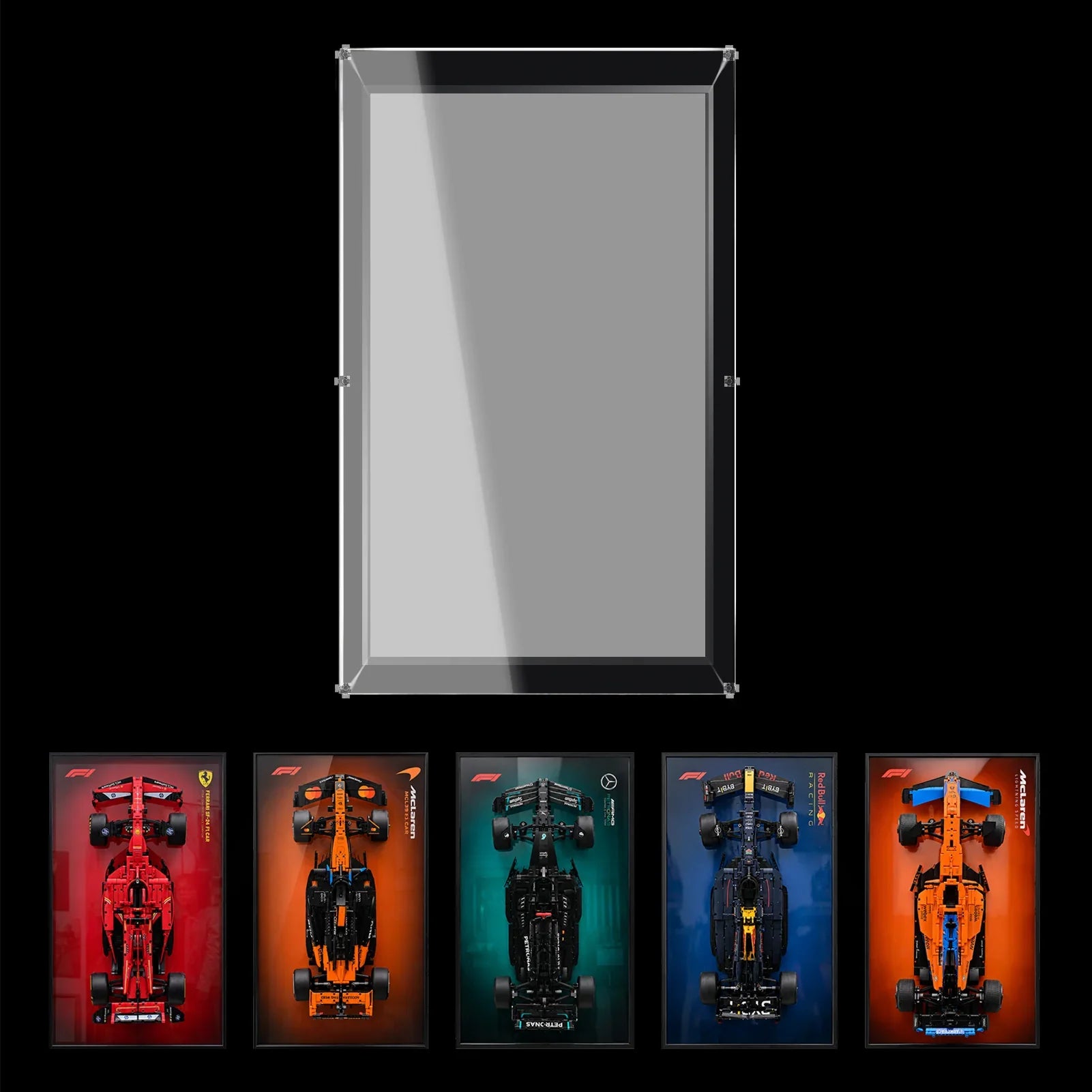
The WETCEAOM acrylic display case for LEGO® Icons Dragon Ball: Shenron & Goku 11390 is designed for the standard completed model. a

Find the angle that shows both Shenron and Goku
Before assembling the case, put the finished model on its base and walk around it. Look for the angle where you can follow Shenron’s coiling body without losing sight of Goku.
A straight-on view can give the dragon a strong presence, particularly when the display is on a cabinet facing the room. Turning the case slightly can reveal more depth, depending on where you place it. Try both positions from the doorway and from the chair where you normally sit.
Take a quick photo from each angle. Small details that seem obvious when you are standing next to the model may be harder to see from several feet away. If Goku disappears behind another part of the build, a small change in the case position may help.
Choose a shelf height that works from your seat
Shenron has an upward shape, so it can be tempting to put the case on the highest available shelf. From a seated position, though, a high shelf may make the base and smaller character difficult to see.
A sideboard, cabinet or sturdy shelf closer to your normal eye level can offer a clearer view. There is no single height that suits every room, so use the furniture and seating you already have as your guide.
Leave some space above the enclosure. This keeps the top of the dragon easy to see and gives you room to handle the panels when the case needs cleaning.

Pick a background that lets the dragon stand out
Shenron’s green body already gives the display plenty of color. A dark or neutral background can make the curves easier to follow, while a themed background can add more Dragon Ball character to the space.
The easiest way to decide is to test the view. Hold a dark sheet of card behind the model, take a photo, then try a patterned background. Look at the tail, whiskers and thinner details. If they blend into the background, move the display or choose a simpler setting.
If you are considering a printed backdrop, check the exact product option and photos before ordering. A background shown in an image may depend on the selected version.
Will the LEGO Shenron 11390 case fit on a desk?
The WETCEAOM product listing gives the case dimensions as 35 × 35 × 35 cm. That square format can work on a desk, but measure the area before moving your monitor and keyboard.
Mark a 35 × 35 cm square with paper or removable tape. Check that the whole case base will be supported and that you can still use the space comfortably. Leave room for cables, drawers and the movement of your hands during the day.
If the desk is already busy, try a side cabinet next to it. You can still see the model while working, and the case will be less likely to be bumped by a mouse, drink or stack of papers. Whichever surface you choose, check that it can support the combined weight of the case and model.
What the acrylic case adds to the display
Shenron’s shape includes small details that take time to dust around. An enclosed case helps reduce the amount of everyday dust reaching the model, so you can clean the smooth outer panels more often and handle the build less.
According to the product listing, the WETCEAOM case uses 3 mm clear acrylic, a black display base and a screw connection system. The transparent panels allow the model to be viewed from different angles, while the black base gives the colorful build a defined place on the shelf.
The case is designed for the standard completed 11390 model. If you have added a light kit, changed the pose or built a custom base, measure the full arrangement and confirm the available clearance before ordering.

Prepare the display before closing the case
Choose the location and viewing angle while the model is still easy to reach. Prepare a clean, level surface for the case components and follow the instructions supplied with your selected product.
Before closing the enclosure, check that the model is seated securely on its base and that delicate projecting parts have room around them. If you need to adjust the display later, move the whole case when practical rather than repeatedly reaching inside to turn the model.
Once everything is in position, check for reflections. A bright lamp aimed directly at the front panel may cover part of the dragon with glare. Moving the lamp to the side or using softer room light can make the model easier to see.
Final Thoughts
Shenron and Goku make an engaging display because there is something to see from both a distance and up close. The dragon’s long curve catches your eye first; the smaller character gives you a reason to look again.
Choose a stable surface, test the angle from your usual seat and leave enough space around the case for cleaning. With the model clearly visible and the surrounding area kept simple, your Dragon Ball build can become a part of the collection you enjoy every day.

