
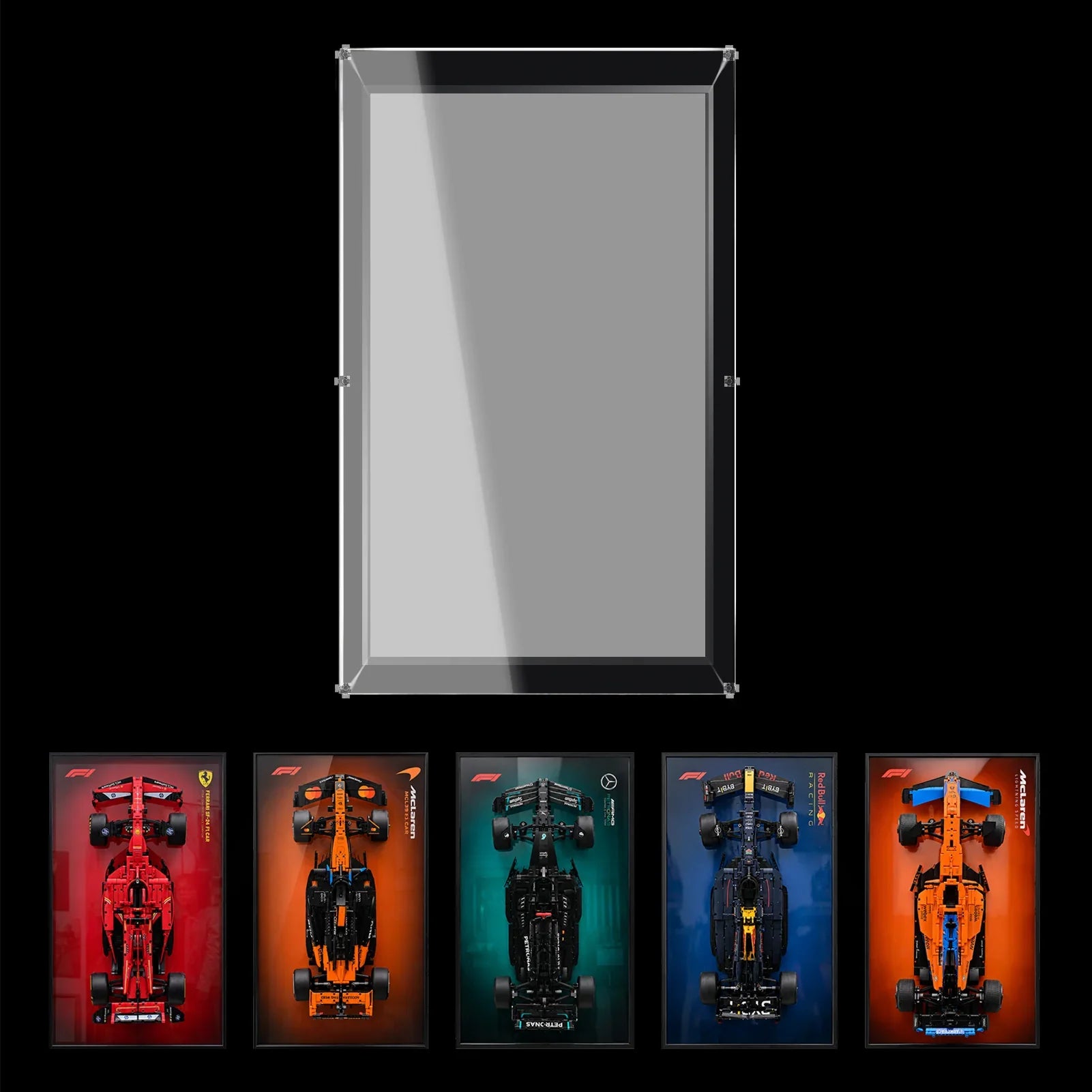

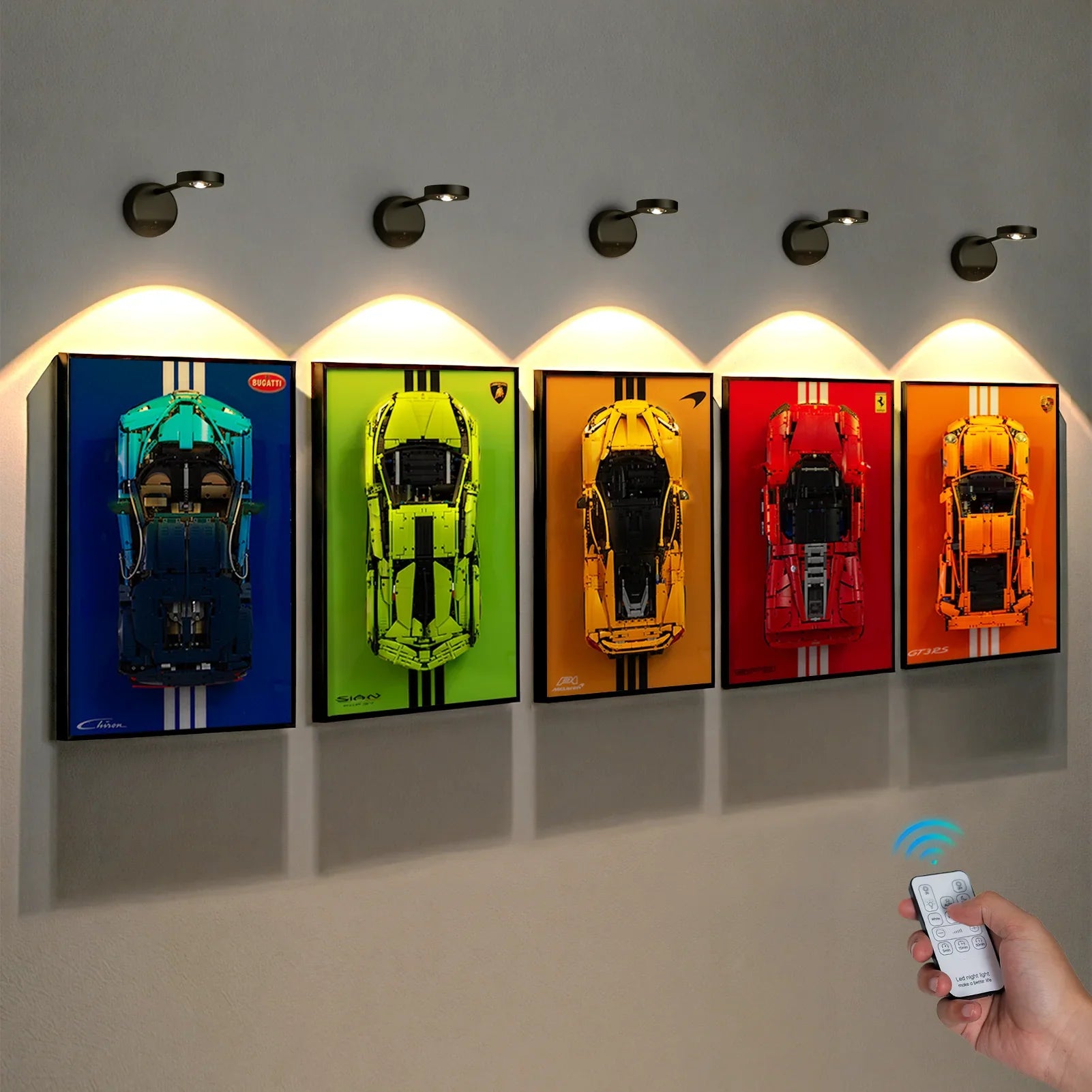


One modular building can look impressive on its own. A row of them, however, can create something much closer to a miniature city. The challenge is that collecting buildings and presenting them as a connected streetscape are two different projects. If each model is placed wherever a shelf happens to be available, the result may feel like separate display islands rather than one continuous neighborhood, and many collectors turn to custom acrylic display cases to protect their modular streetscape.
A successful LEGO modular building display begins with the street as a whole. Think about the line of the pavement, the height of the façades, the rhythm of windows and entrances, and the way a viewer's eye moves from one building to the next. These details help a collection feel designed rather than simply stored.
Treat the Street as the Main Composition
Before moving any building, decide what the street should look like from the main viewing position. A straight-on arrangement creates a familiar city-block effect, while a slight angle can add depth when the display is viewed from across a room. Keep the front edges of the baseplates aligned where possible. Small changes in depth can make a continuous sidewalk appear broken.
Do not assume every building needs to be pushed tightly against its neighbor. A narrow visual gap can help separate architectural styles, while a consistent pavement line preserves the impression of a shared street. If the buildings have different footprints, use the street edge as the alignment reference rather than the back wall.

Balance Tall Façades and Lower Rooflines
A row of buildings often includes different heights, roof shapes, and architectural details. The tallest structure can become a natural anchor, but placing every tall building together may make one end of the display feel visually heavy. Try distributing height changes across the row so the skyline has a deliberate rhythm.
Look at the arrangement from seated and standing positions. A roofline that looks balanced from above a desk may disappear when viewed at eye level. If the display sits on a high shelf, consider whether upper floors and rooftop details remain visible rather than hidden by the viewing angle.
Plan the Furniture Before You Plan the Collection
Measure the full footprint of the intended street, including any sidewalks, corner sections, and projecting architectural details. The combined length is more important than the width of one individual building. Leave a little clearance at both ends so the display does not look squeezed between bookends, speakers, or other room objects.
Depth matters too. Some buildings have rear extensions, balconies, trees, or other elements that extend beyond the main façade. Measure the completed model at its widest and deepest points. A shelf that fits the baseplate but presses against a wall can make access and cleaning awkward.
Use Lighting to Define a Neighborhood
Lighting can help a modular street feel like a single scene, but it works best when it supports the architecture. Warm illumination can create a welcoming evening-street mood; a more neutral setting may suit bright contemporary façades. Avoid making every building equally bright if the result removes contrast between windows, interiors, and exterior details.
If individual buildings have their own lighting kits, check cable routes before final placement. Hide or organize cables along the back of the furniture where practical, and make sure power access remains available. Do not assume that a display case includes lighting unless the specific product listing says so.
Choose Between Open Shelving and Enclosed Cases
Open shelving makes it easy to access modular buildings and rearrange a street as the collection changes. It also leaves the façades and roof details exposed to everyday dust. An acrylic enclosure can help reduce dust settling directly on the models and create a more unified boundary around a display.
For a connected street, the key question is whether one large enclosure can accommodate the entire arrangement or whether separate cases are more practical. A single custom-sized case can visually unite the buildings, but it needs to be measured around the complete composition. Separate cases offer flexibility when buildings are moved or rotated.

Make Room for Corner Buildings and Future Additions
Modular collections rarely remain the same size. A new corner building, a wider footprint, or a future expansion can change the shape of the street. Leave a planned expansion zone if you expect to add more buildings. It is easier to extend a display when the original layout has a clear end point than when every centimeter is already occupied.
Corner buildings deserve special attention because they can turn a straight row into an L-shaped streetscape. Check whether the room has enough depth for the return section and whether the corner remains visible from the usual approach. A beautiful side façade is wasted if it faces a wall.
Create Visual Continuity Without Making Every Building Identical
A connected city should feel coherent, not uniform. Keep recurring details such as street height, display surface, and spacing consistent, but allow each building's colors and architectural style to remain distinctive. Repeating one background across the whole row can help, although a plain neutral wall may be better when the façades already contain many details.
Small supporting elements can strengthen the scene, but avoid crowding the sidewalk with too many unrelated accessories. The buildings should remain the main subject. A restrained arrangement often makes the individual architecture easier to appreciate.

Final Thoughts
A modular collection becomes more convincing when it is planned as one streetscape instead of a series of separate models. Align the sidewalk, balance the skyline, measure the combined footprint, and decide how much flexibility you need for future additions.
Whether you use open shelving, individual acrylic display cases, or one large custom enclosure, the display should preserve the relationship between the buildings while keeping their architectural details visible. Explore the WETCEAOM display case collection for options and custom display possibilities that can be considered around the dimensions of your completed street.
Explore the WETCEAOM premium LEGO display case collection for more display options.

