
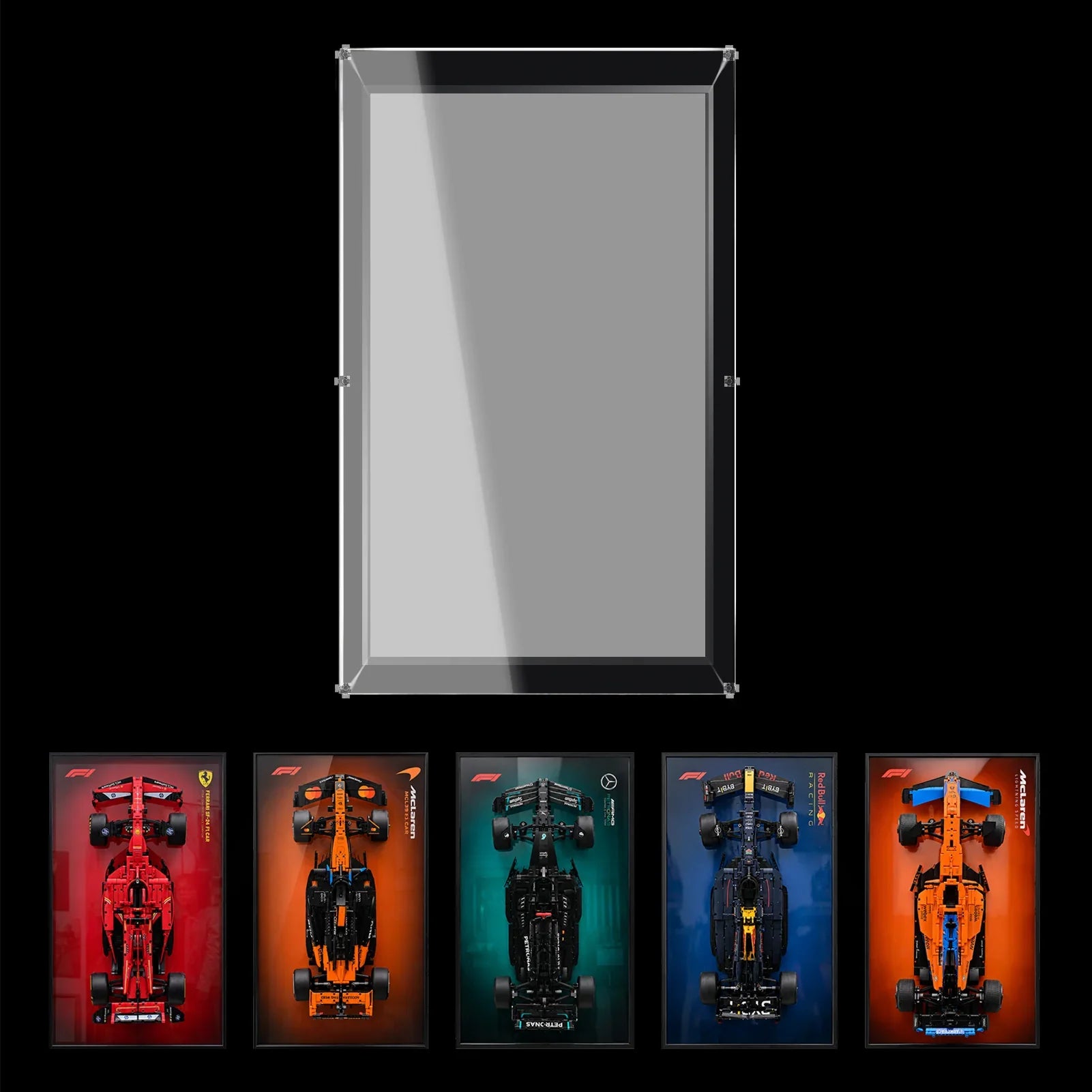

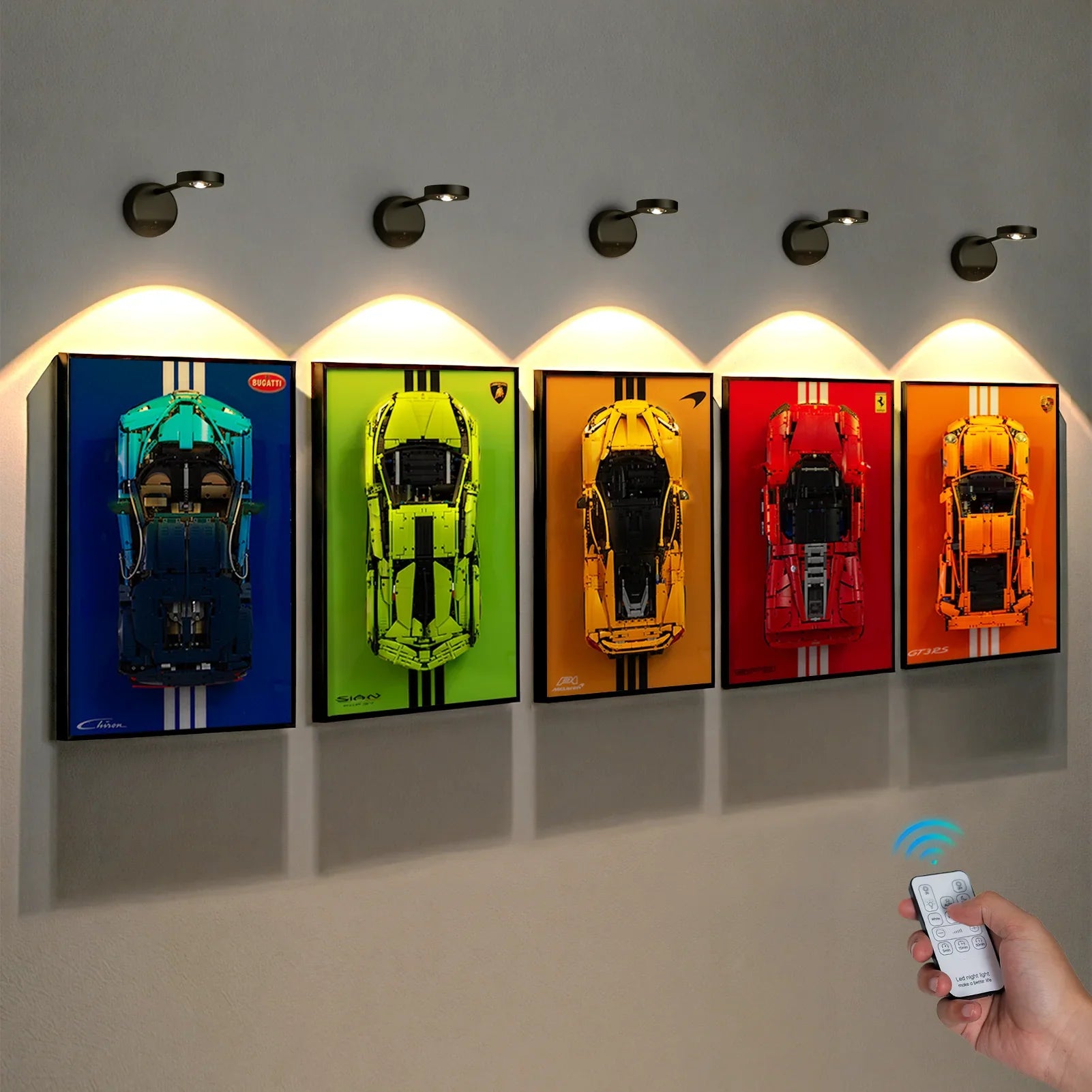


There is a choice to make before your Porsche goes into its display case: which version of the real car should sit behind it?
WETCEAOM offers a front-view print and a rear-view print for this Porsche display. Both use the same racing subject, but they create noticeably different compositions. One puts the car’s face into the room. The other gives the model a trackside setting.
Our view: choose the background to complement the angle of the LEGO model. The most interesting pairing may show a different side of the Porsche in each layer.
One Porsche, Two Very Different Impressions
The LEGO® Technic™ Porsche 911 RSR 42096 looks fantastic from the rear three‑quarter angle. Its raised rear wing, extended diffuser and aerodynamic mirrors are standout details. Viewed from this perspective, the wing and rear structure become the core visual feature of the race car.
Rotate it to face forward, and the character shifts completely. The headlights, low nose, and striking white, red and black bodywork take centre stage.
This difference is key when you set up your display alongside a printed backdrop of the real Porsche 911 RSR. You are pairing two angles of the same vehicle, and thoughtful positioning lets each view show unique features instead of repeating the same look.
The 42096 has long been a favourite for static display among collectors. Many builders value its showcase potential just as much as the building experience. That brings us to the core point of this guide: once the build is complete, how can you arrange it so it stays visually engaging to admire day after day?
Front View Background: Two Sides of the Car in One Display

The Front View Background places a large photograph of the Porsche’s nose on the left. The crest occupies the right, with a pale area separating the two.
That gives the background a strong, almost poster-like character. The real car’s headlights and front bodywork remain recognisable even when you are looking at the display from across the room.
We would pair this print with the LEGO car’s rear three-quarter angle facing the viewer, provided the case allows the position. The print supplies the front view; the model supplies the rear wing, wheels and mechanical texture. You get a fuller impression of the Porsche without needing a second model.
There is a practical limit to that idea. Do not rotate the car so far that its wing, mirrors or nose approach the panels. Even a modest angle can reveal the rear structure. The car’s fit comes first.
This is our pick if you enjoy comparing the real vehicle with its Technic interpretation. Your eye can move between the photograph’s smooth bodywork and the model’s visible beams, pins and panels.
Rear View Background: A Trackside Scene

The Rear View Background moves the crest to the left and places the photographed car toward the right. Circuit barriers and fencing extend behind it.
Here, the background reads more like a scene. The full-size Porsche appears to be heading away along the circuit, giving the display a sense of direction.
A front three-quarter view of the LEGO car is worth trying with this print. It lets the model introduce the nose and headlights while the photograph provides the rear profile and racing setting.
Matching the model to the photograph’s rear angle is another valid choice. That repetition can make the arrangement feel cohesive, although it reveals less variety. The deciding question is whether you want a comparison of the car’s forms or a stronger impression of one racing moment.
Which Background Would We Choose?
| What you want to see | Our starting choice | Model angle to try, subject to clearance |
|---|---|---|
| Different sides of the Porsche in one composition | Front View Background | Rear three-quarter |
| A stronger circuit setting | Rear View Background | Front three-quarter |
| The room itself behind the car | Transparent Background | Your preferred viewing angle |
For a standalone LEGO Porsche 911 RSR display case, we would start with the front-view print and a rear three-quarter model angle. That pairing has a clear purpose: the photograph shows the face of the real car while the LEGO build shows the structure at the back.
If the circuit atmosphere is what attracts you, choose the rear-view print. Look at it alongside your intended model angle before deciding; the artwork alone is only half of the finished composition.
The Enclosure Behind the Choice
The WETCEAOM listing specifies 3mm clear acrylic, screw-connected panels and an integrated black base. The enclosed design helps reduce dust exposure while letting you view the model through the clear panels.
Before ordering, confirm the case dimensions and compatibility with 42096, especially if you have modified the car. Extra bodywork or a different wing can change the space it needs. A printed background cannot compensate for a model that fits too tightly.
FAQ
Does the printed background add extra thickness that reduces inner clearance for my 42096?
Print ink sits directly on the acrylic surface and adds negligible thickness. The usable inner depth and width stay identical between transparent and printed‑background versions of the 42096 case.
Do “Front View” and “Rear View” refer to the case opening?
They identify the background artwork shown in the product options. They do not describe an opening mechanism.
Is the printed background removable if I want a plain clear look later?
The graphic is UV‑printed onto the inner side of the back acrylic panel. It cannot be peeled off. If you want to switch styles, select the transparent‑background variant at checkout.
Can I use one of these Porsche printed backgrounds with my older third‑party display case?
These background graphics are sized precisely to match WETCEAOM’s 42096‑specific acrylic back panel. They will not align properly with third‑party cases of different dimensions.
The final choice is a visual one: which background adds something to the view of the model you enjoy most?

