



The LEGO® Icons Shuttle Carrier Aircraft 10360 tells its story through two aircraft together. The carrier gives the model its broad wingspan, while the Space Shuttle above it makes the finished build instantly recognizable. A good LEGO 10360 wall display keeps that relationship visible from across the room and gives you a closer view of both aircraft when you walk up to it.
Finding that position takes a little planning. The wings, tail and shuttle all contribute to the model’s shape, so a spot that works for a smaller aircraft may feel crowded once the complete build is on the wall. Start with the view you want, then check the frame footprint and mounting position.
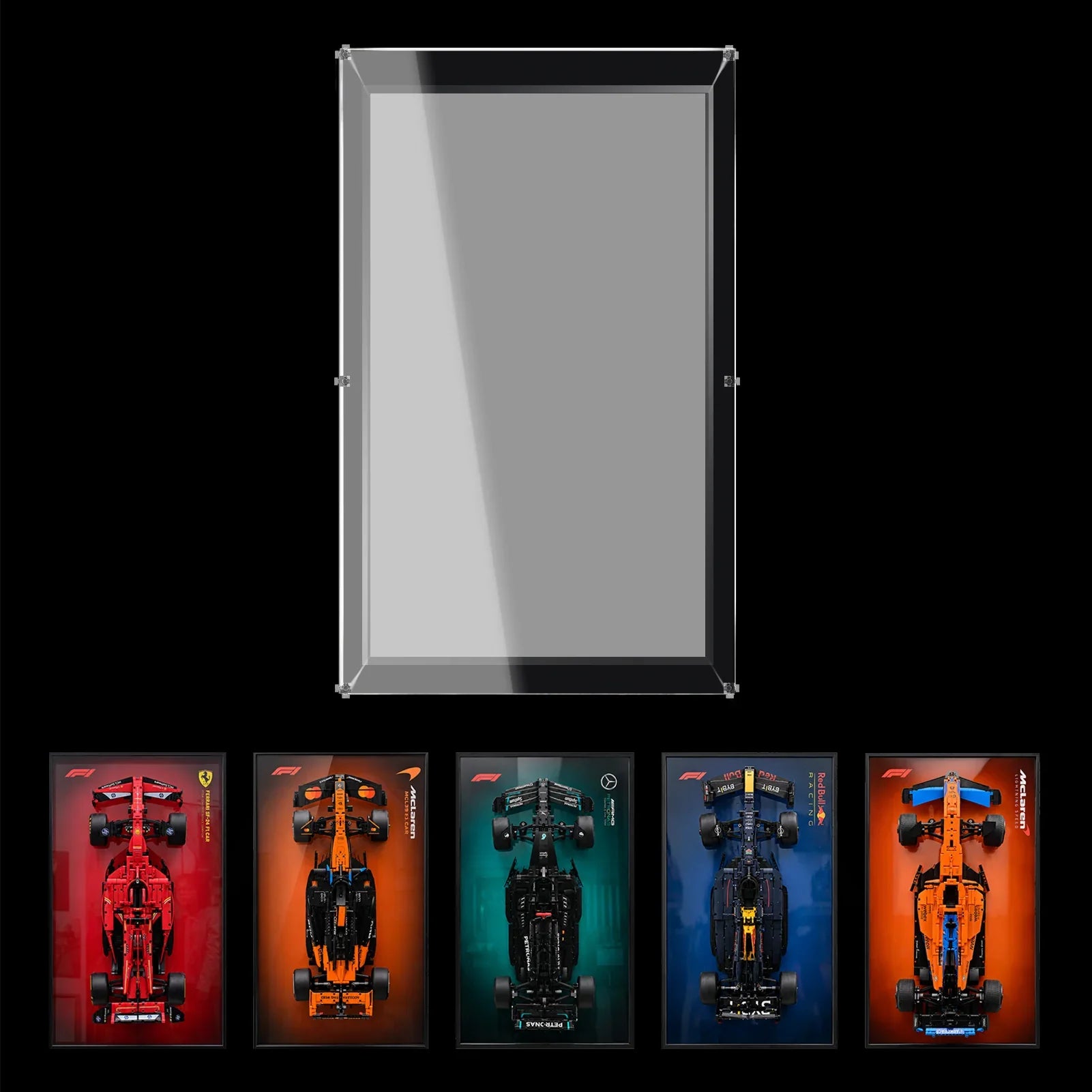
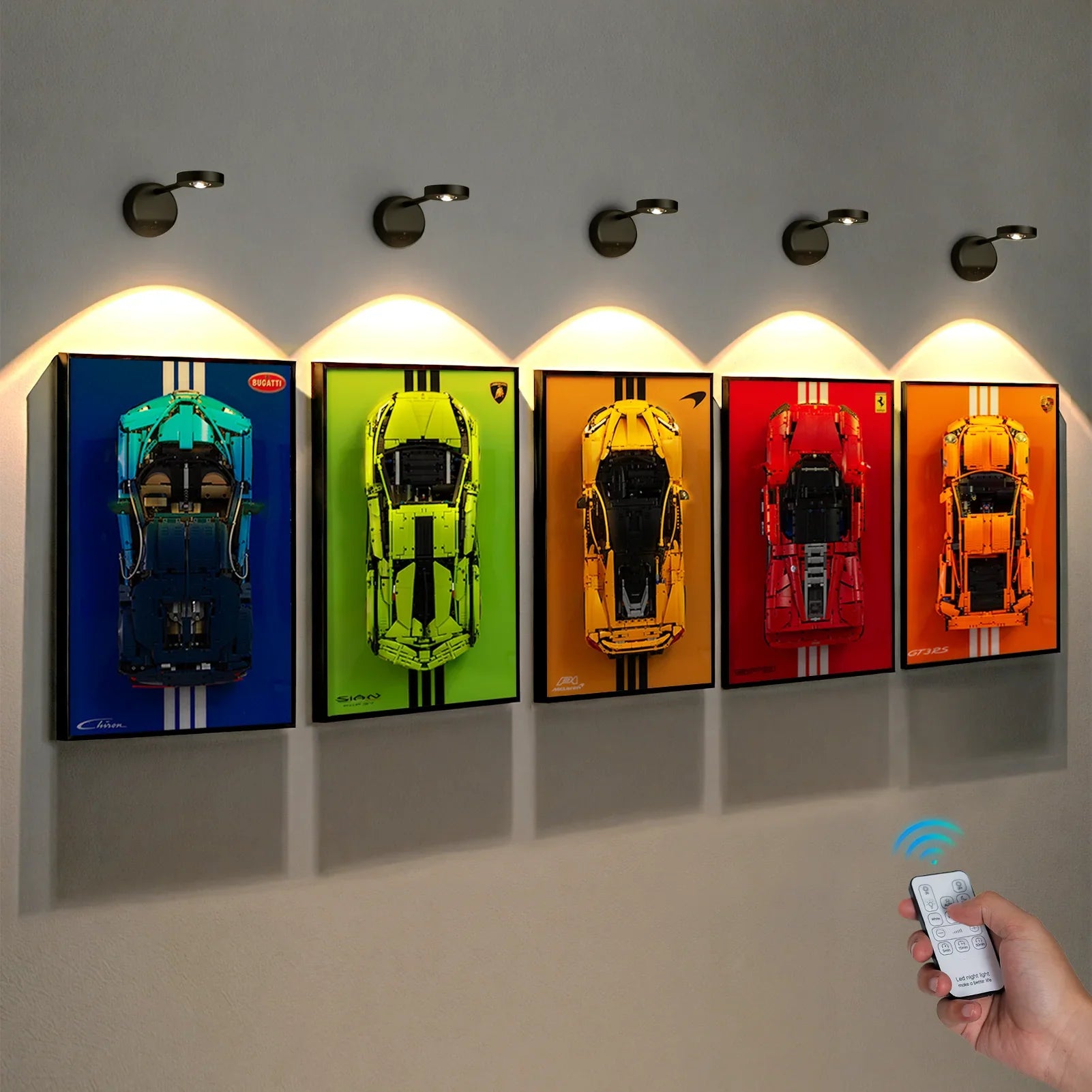
WETCEAOM offers a model-specific wall display frame for LEGO® Icons Shuttle Carrier Aircraft 10360 in an 80 × 50 cm format. 
Why the carrier and shuttle work best as one display
The appeal of 10360 comes from the pairing. The carrier aircraft has a long body and wide wings, while the shuttle adds a second shape above it. Seen together, they create an aerospace display with more to look at than either model on its own.
Before deciding where it belongs, place the finished build in the arrangement you plan to display. Step back a few feet and look at the complete outline. Can you distinguish the shuttle from the aircraft beneath it? Do the wings and tail remain visible, or do they merge with the furniture and objects around them?
A wall frame can give the pair a dedicated position and free the surface where the model was previously displayed. It also lets you choose a background and viewing height that make the relationship between the two aircraft easier to appreciate.
Choose the viewing angle before marking the wall
Start with the places where you actually spend time. Look at the proposed wall from the doorway, from your desk chair and from the nearest standing position. A frame can look balanced while you are standing directly in front of it but sit too high when viewed from a chair.
In a home office, a side wall may keep the aircraft visible without placing it directly behind a monitor. In a collection room, it can become the main display on the wall you see when entering. A gaming room or studio may need more attention to door swings, equipment and areas where people regularly walk past.
Once you have a location in mind, mark an 80 × 50 cm rectangle with removable tape. Leave some open wall around it so the wings and tail do not feel squeezed between shelves, posters or other frames.

Measure the finished 10360 model
The 80 × 50 cm frame size helps you plan the wall, but it is not a substitute for measuring your own build. Check the model in its final arrangement and note:
- The widest points across the carrier aircraft and shuttle.
- The highest parts of the tail and orbiter.
- Any support, stand or modified element that changes the depth.
- The position of pieces that may need room during installation.
Measure the complete composition rather than adding the dimensions of the two aircraft together. Their position relative to each other affects the overall shape. If your model has a custom stand, lighting or altered parts, contact WETCEAOM with photos and measurements before ordering.
Three LEGO 10360 wall display ideas
1. Give the aircraft a wall of their own
If 10360 is your main aerospace build, let it be the focal point. Place the frame on a clear section of wall and keep nearby decorations simple. The carrier’s wings and the shuttle’s shape are easier to follow when other objects are not competing for attention.
This approach works well above a sideboard or on a wall beside a desk. Keep enough space below the frame to reach it comfortably when it needs cleaning or adjustment.
2. Make it the centerpiece of a NASA collection
For a larger space-themed room, position 10360 where the paired aircraft are visible first, then arrange smaller models around it. Try placing rockets or smaller spacecraft on a nearby shelf rather than directly beside the carrier’s wings.
You do not need perfectly equal gaps between every item. Leave more space where a large model needs it, and look at the wall from a distance before adding the next piece. The goal is to keep each silhouette recognizable.
3. Use a quiet workroom wall
A studio or home office can be a good location if the model is placed away from doors, coat hooks and frequently used equipment. Choose a wall where you can see the frame without moving a chair or leaning around a monitor.
Keeping the area directly below the display reasonably clear also makes maintenance easier. You will have a place to stand and work when you need to inspect the frame or remove the model.
What to check in the WETCEAOM frame listing
The WETCEAOM frame is presented as a dedicated wall display for LEGO® Icons Shuttle Carrier Aircraft 10360. Its 80 × 50 cm format provides a starting point for the wall layout, while the aerospace backdrop gives the paired aircraft a setting.
Before ordering, review the current product page for the selected option, frame construction, mounting method and included components. These are the outer frame dimensions. Please check the product page for internal clearance details.
If you need help confirming the fit of a modified build, contact info@wetceaom.com with the model number, photographs and the measurements of your intended arrangement.
Plan the installation around your wall
Check the wall material and the combined weight of the display before drilling. Use a mounting method suited to both the wall and the frame, following the instructions supplied with the selected product. If you are unsure about the fixing point or load capacity, ask a qualified installer to check it.
Leave enough room around the frame to attach and remove the model as directed. Keep the display away from a door path and from places where bags, chairs or equipment could regularly catch the aircraft.
When handling the finished build, support it at suitable structural points. Avoid lifting it by a wing tip, tail or another narrow projecting section.

Keep the display easy to enjoy
After installation, step back and check the carrier and shuttle from your usual viewing positions. If a nearby lamp or window creates a distracting reflection on any clear surface, move the light or adjust the room layout where possible.
For routine care, follow the instructions for the materials included with your selected frame. A soft microfiber cloth is useful for gently removing surface dust. When the model needs attention, clear the area first so you have enough space to work without disturbing the aircraft.
Final Thoughts
LEGO® Icons Shuttle Carrier Aircraft 10360 is most compelling when the carrier and shuttle can be read as one composition. A dedicated wall position gives the pair room to stand out and brings the finished build into your everyday view.
Mark the frame footprint, test the sightline from your chair and doorway, and check the wall and mounting instructions before installation. With the right position, the aircraft can become the centerpiece of an aerospace collection or a feature on a quiet office wall.

